Drawer Your apps, one press away.
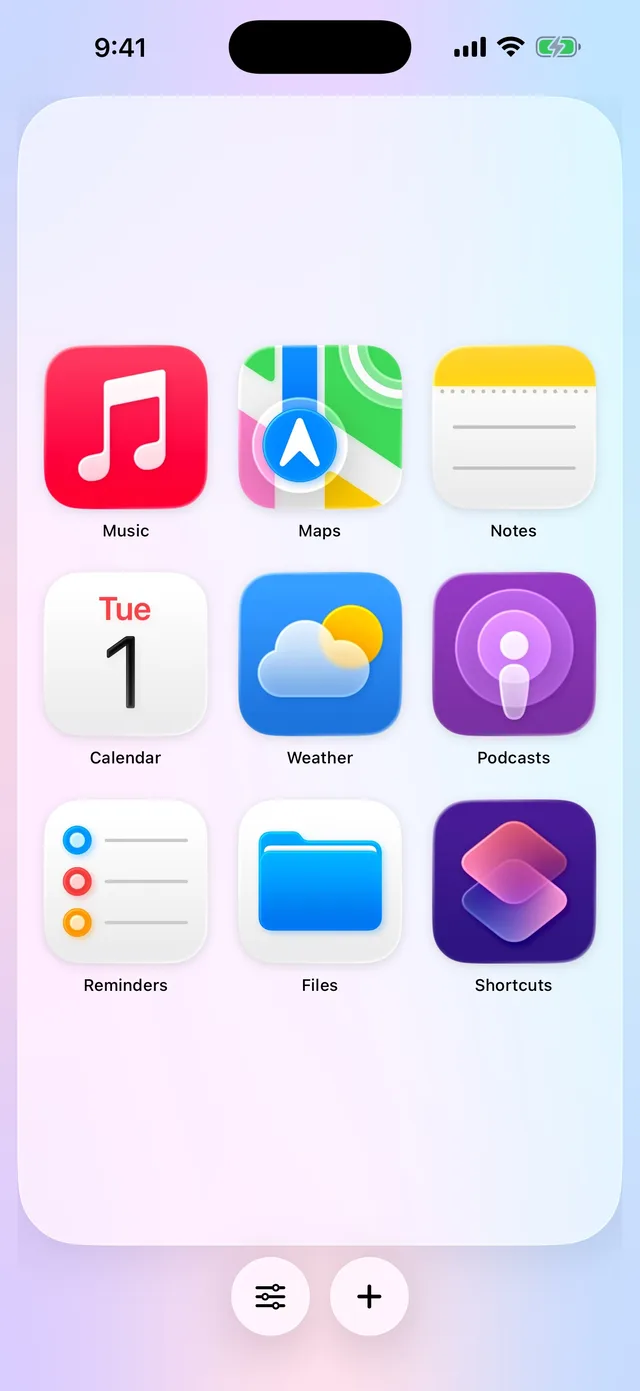
The apps and shortcuts you use most, as big icons on one simple screen. Press the Action Button, tap an icon, and you’re in.

Free for iPhone. No account, no ads, no tracking.
Your Drawer
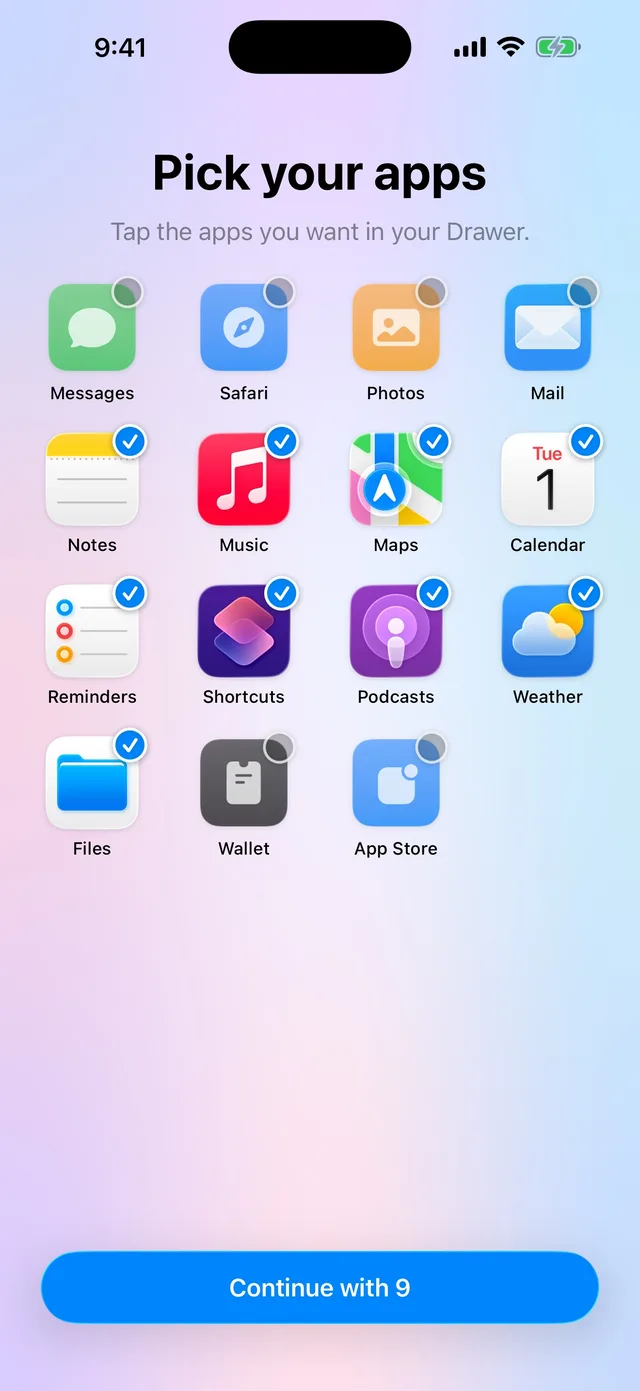
Pick the apps you reach for every day. They fill the screen, so they’re easy to see and easy to hit.

Action Button
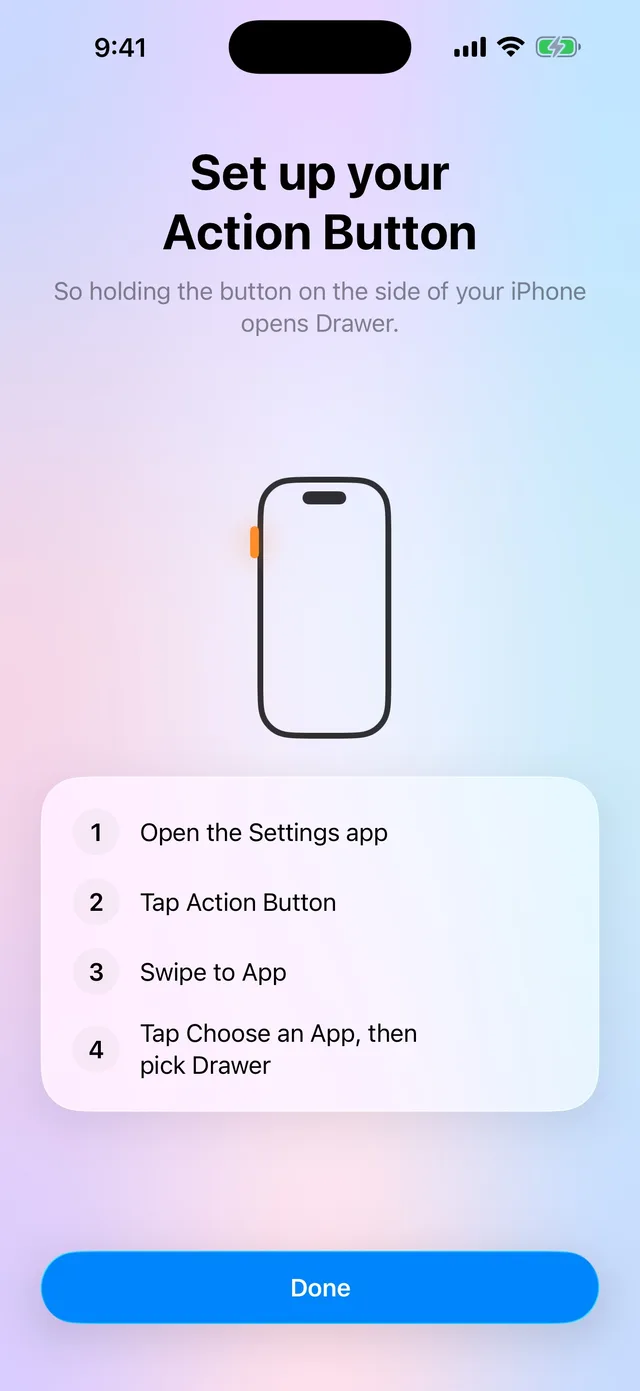
Set the button on the side of your iPhone to open Drawer. Then anything you use is just a press and a tap away, from anywhere.

Shortcuts
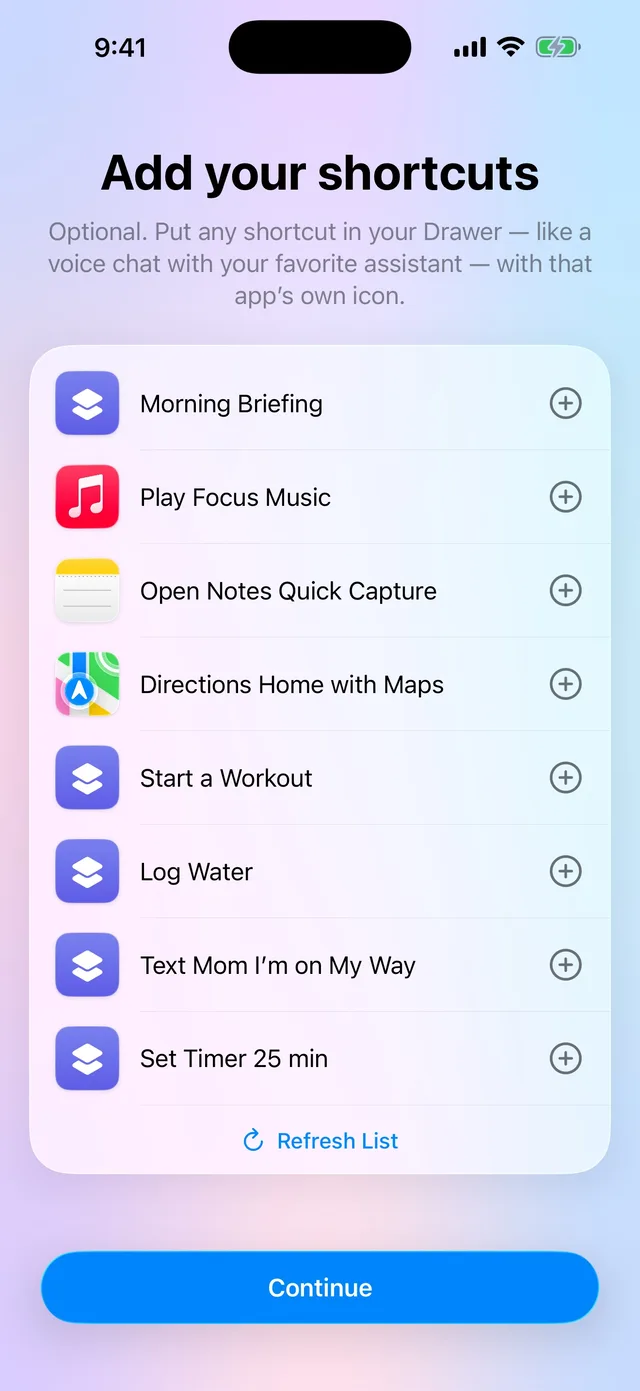
Put a shortcut right next to your apps, like a voice chat with your favorite assistant. It shows up with that app’s own icon.

Set up in a minute
The first time you open it, a short guide gets everything ready.
Drawer finds well-known apps on your iPhone. Tap the ones you want.
Connect your shortcuts in two taps, then choose which ones to show.
Point it at Drawer, and you’re done.
Your apps, your shortcuts and their order are kept only on your iPhone. No sign-in, no ads, no tracking and no analytics. We never receive anything about you. Read the privacy policy.